
iPhone
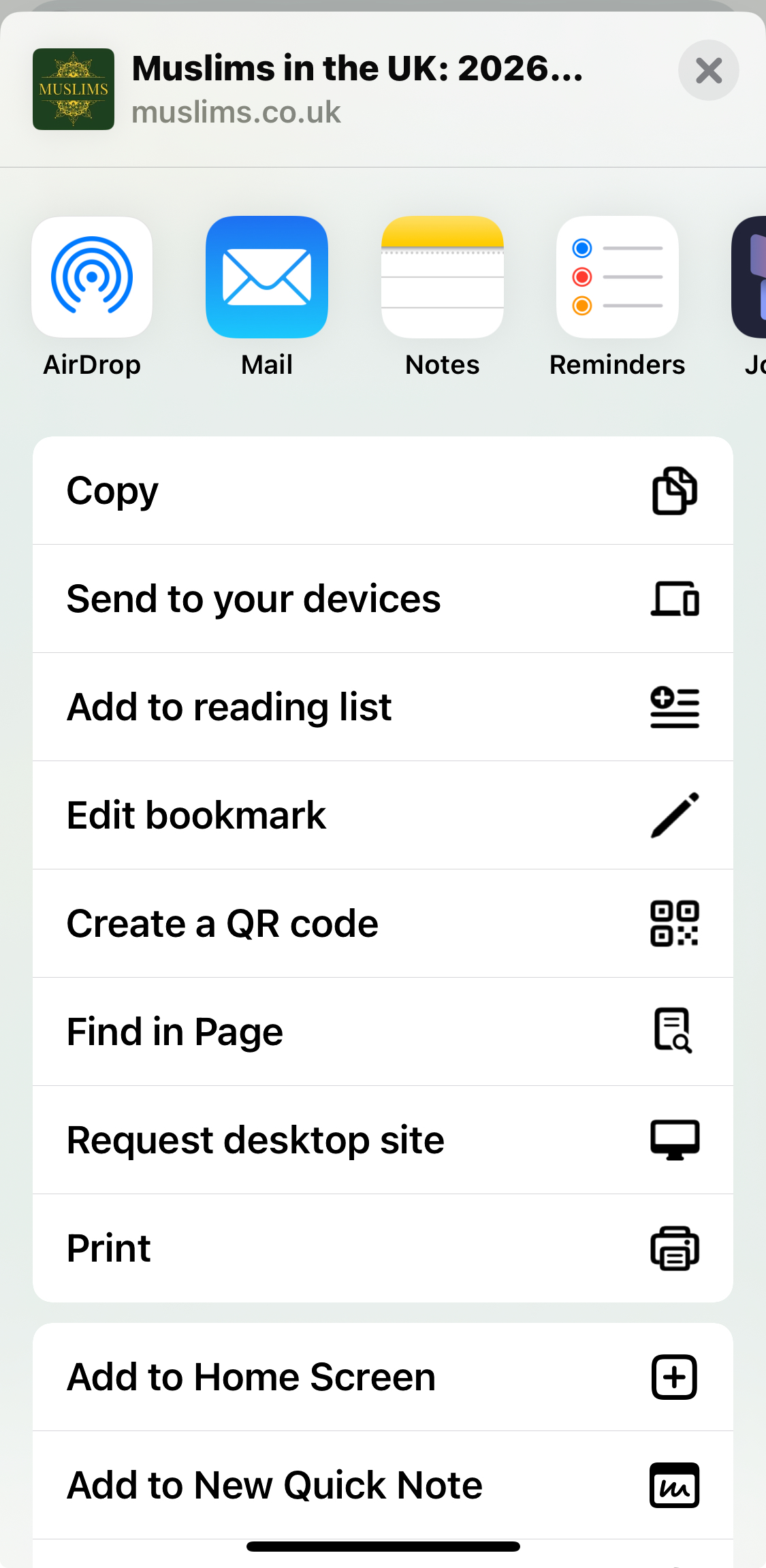
- Open muslims.co.uk in Safari.
- Tap the Share icon at the bottom of the screen.
- Scroll down and tap Add to Home Screen.
- Tap Add and the icon will appear on your phone.
Get one-tap access to prayer times, Islamic tools, and British Muslim community resources without downloading anything from an app store.
Choose your device below and follow the same quick setup shown in your screenshots.
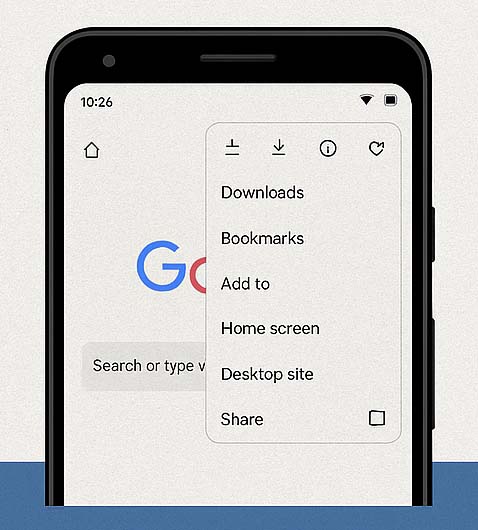
Open Muslims.co.uk straight from your home screen without typing the web address each time.
Use the site in a cleaner full-screen view that feels closer to a native mobile app.
Keep prayer times, Qibla, duas, and calculators only one tap away whenever you need them.